
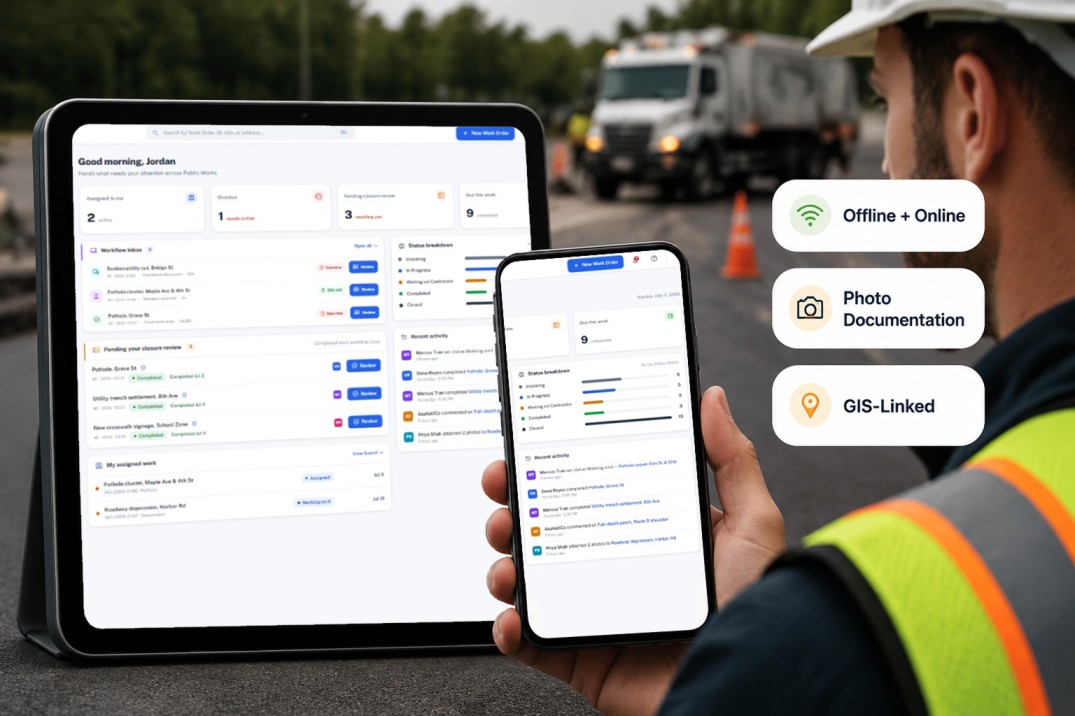
Municipal assets need day-to-day care — a fallen tree, a pothole, a faded sign. SAMS Work Orders turns those issues into prioritized jobs: estimated cost, assigned crews, due dates, and a clear view of what is moving, waiting, or overdue.
Create and manage work orders directly from your GIS map with asset context.
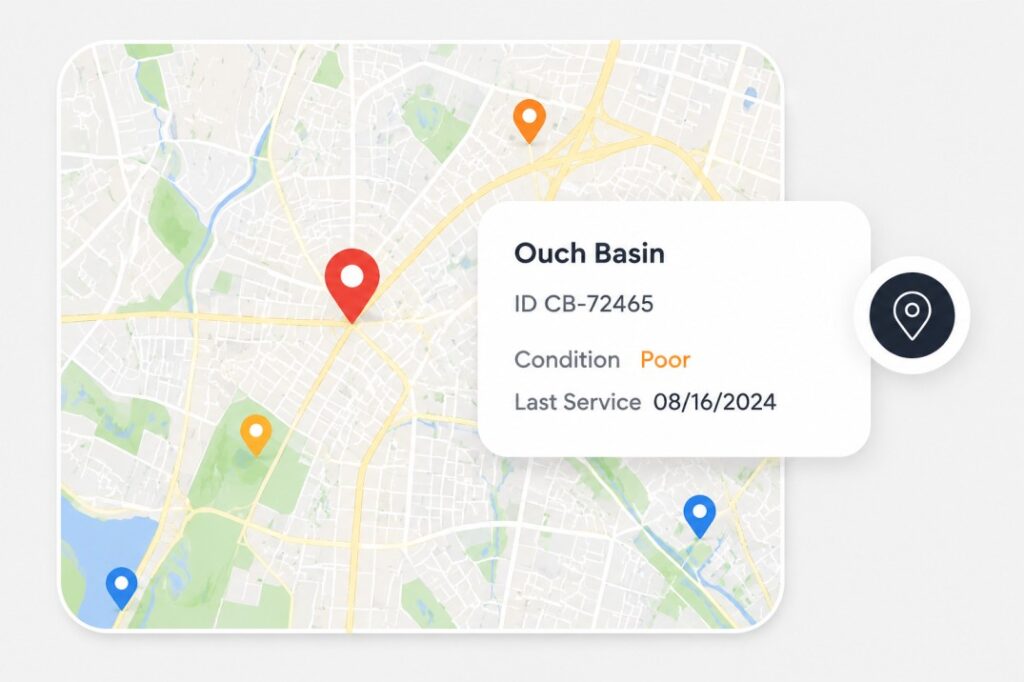
Create and manage work orders directly from your GIS map with asset context.
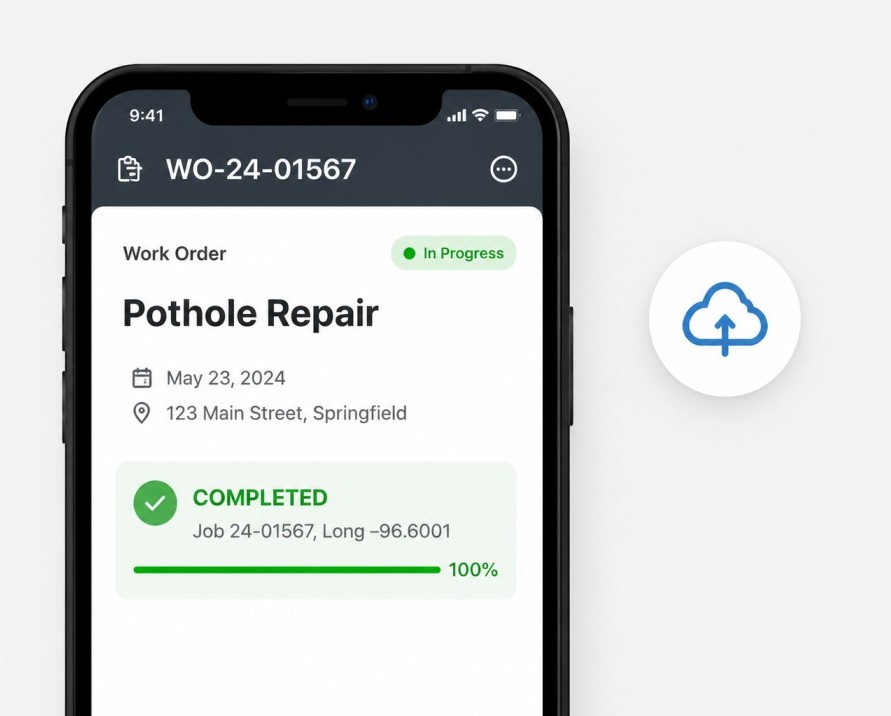
Create and manage work orders directly from your GIS map with asset context.
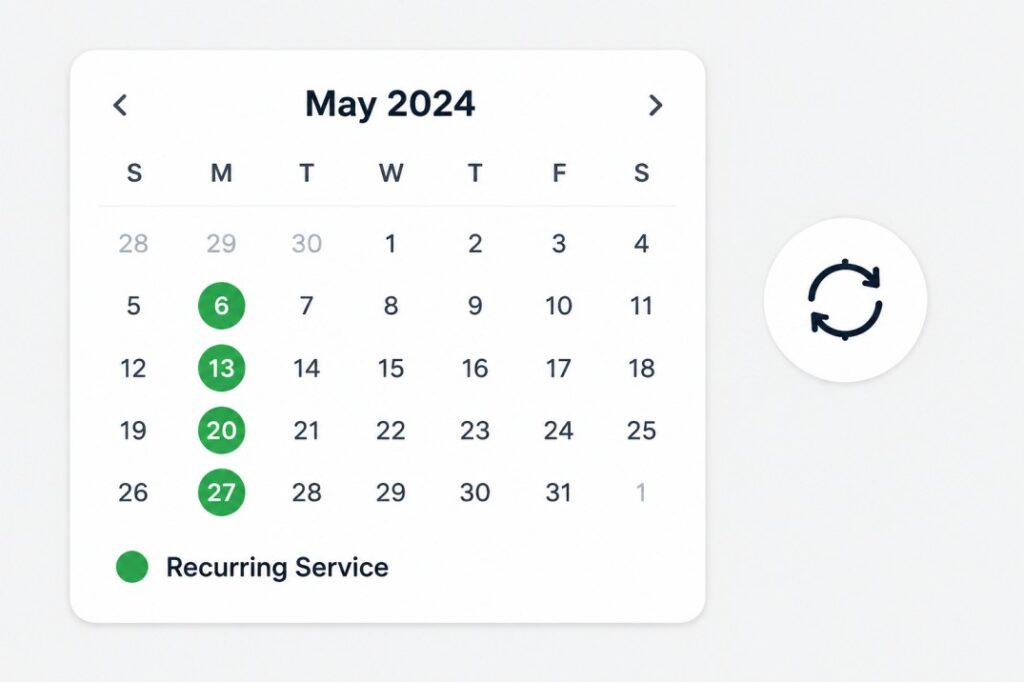
Create and manage work orders directly from your GIS map with asset context.
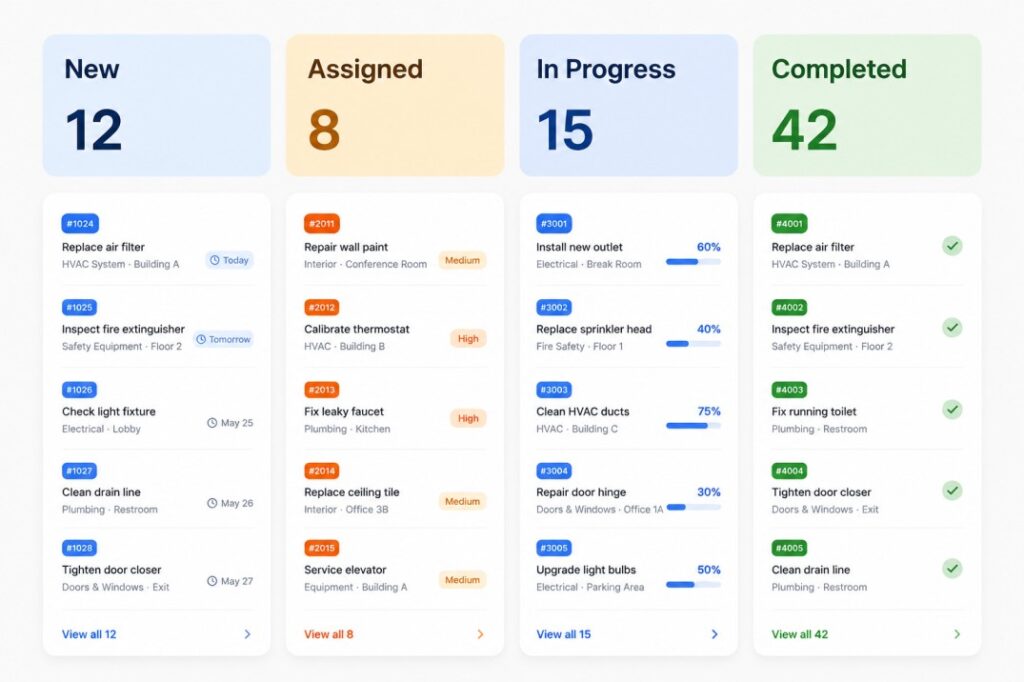
When something in the public right-of-way needs attention — a tree down on the boulevard, a sunken utility cut, a knocked-down stop sign — it enters the work-order program. Crews and managers then estimate cost, set priority, assign people, and track the job through completion and closure review.
Title, type, address, priority, description, GIS link
Recorded and planned cost for budgeting and routing
People, due dates, and workflow SLAs
Completion review, media, and locked history
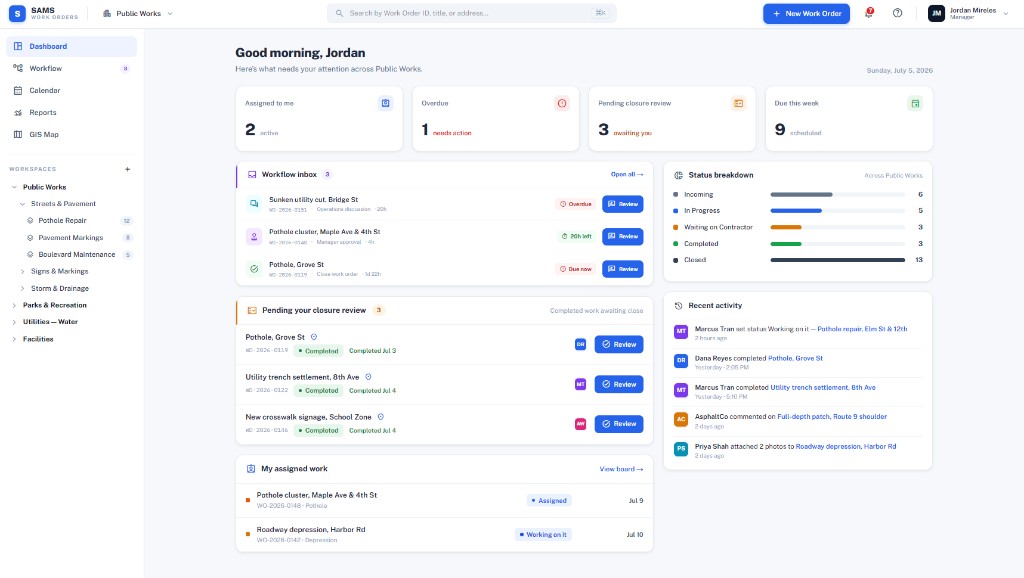
Active work on your plate
Jobs that need immediate action
Completed work awaiting manager sign-off
In progress vs waiting vs closed
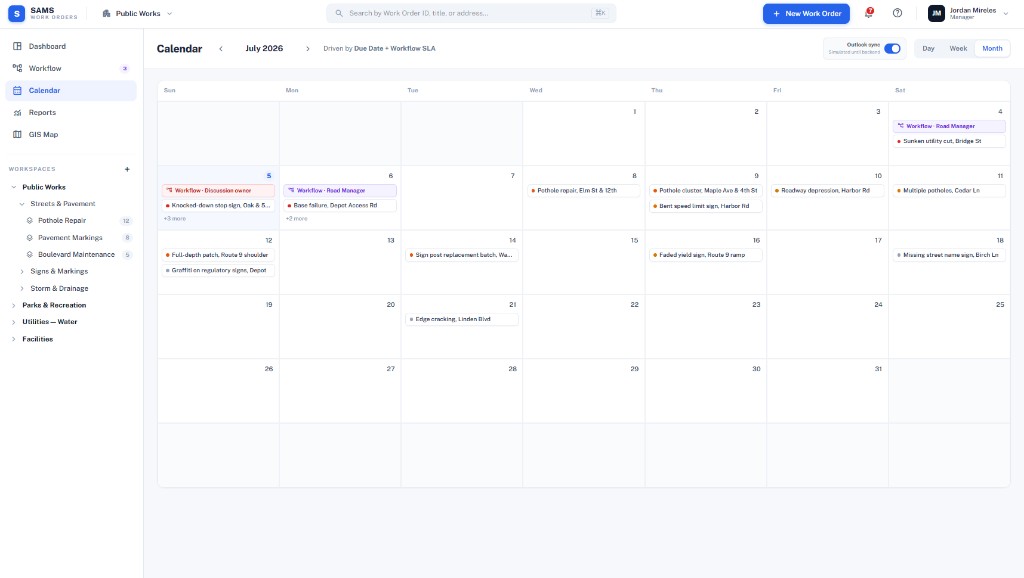
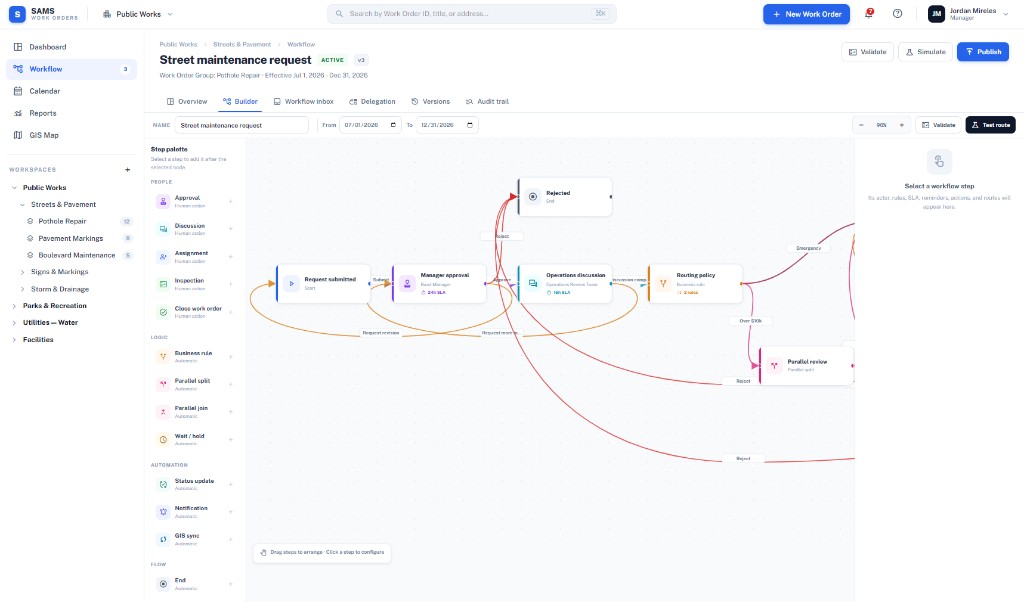
See how SAMS Work Orders turns asset problems into prioritized, costed jobs your crews can finish.